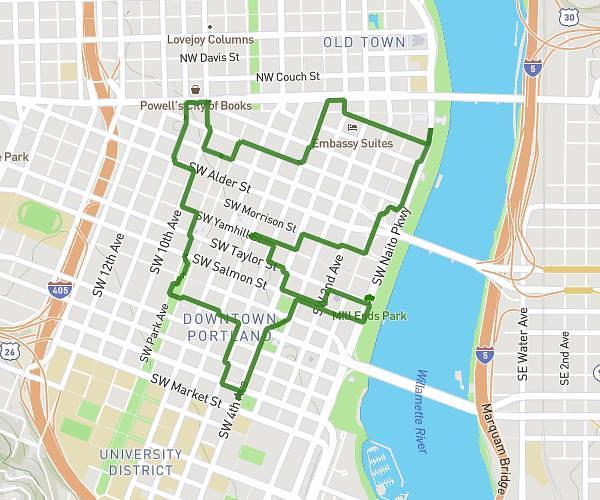
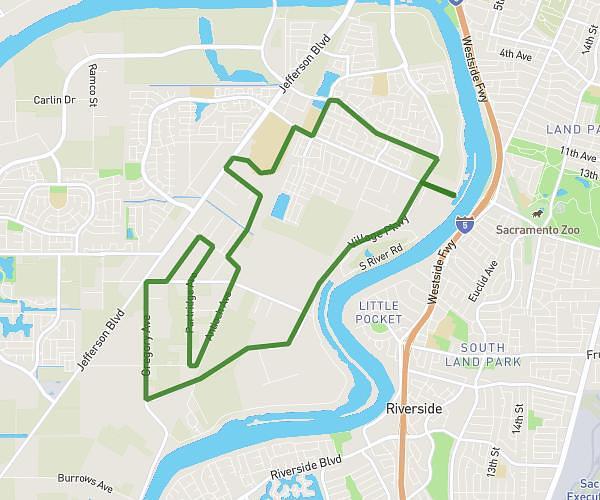
On the MapPlanner website, you can choose different map layers designed for outdoor activities so you can plan your outings with greater accuracy. Depending on your needs, you can switch between a topographic map, an outdoor-focused map layer, or satellite view.
MapPlanner also offers a 3D view that lets you explore your route in relief. This helps you understand the terrain better and anticipate route difficulty.
These tools are especially useful for planning a hike, a trail run, or a bike ride.
Choose the Best Map for Your Activity
Not all maps display the same information. Depending on your activity and the terrain, switching map layers can give you a clearer, more reliable view of your route.
With MapPlanner, you can easily switch between multiple map types.
For example:
-
an outdoor map to view trails and paths
-
a topographic map to understand terrain and contours
-
a satellite view to see the real landscape
This flexibility helps you plan with more detail and confidence.
Plan your own route
MapPlanner helps you calculate distances, elevation, duration and plan your hikes, runs and bike rides on an interactive map.
- Automatic distance & elevation calculation
- Topographic, satellite maps
- GPX/KML export for your GPS
- Real-time GPS tracking
Use a Topographic Map for Hiking
Topographic maps are especially useful for planning a hike or trail run.
They allow you to see:
-
contour lines
-
terrain relief
-
trails and paths
-
key natural features
This information is essential for anticipating elevation gain and route difficulty.
By using a topo map in MapPlanner, you can better understand the terrain you’ll be moving through.
Use Satellite View to Check the Terrain
Satellite view lets you observe the real terrain directly.
It can help you:
-
spot wooded areas
-
identify open terrain
-
assess ground conditions
-
check certain sections of your route
It can also help you identify more technical sections that may be less obvious on standard maps.
It’s a useful complement to topographic layers.
Explore Your Route in 3D
MapPlanner also includes a 3D visualisation of your route.
This view helps you understand:
-
climbs and descents
-
the shape of the terrain
-
valleys and ridgelines
Exploring a route in 3D makes it easier to visualise the terrain before you head out.
It’s particularly useful in the mountains or anywhere with significant elevation changes.
Plan Outdoor Routes with More Confidence
Being able to switch map layers and explore terrain in 3D helps you plan your outing far more precisely.
For example, you can:
-
analyse the terrain before a hike
-
identify challenging sections of a trail route
-
check specific parts of a cycling itinerary
-
understand the elevation profile more clearly
These tools help you anticipate conditions and plan your outdoor activity with more confidence.
Explore Map Layers and 3D View in MapPlanner
If you want to plan routes with the right maps and explore terrain in relief, you can use the features available in MapPlanner.
The platform allows you to:
-
draw a route on the map
-
switch map layers easily
-
use outdoor or topographic maps
-
explore your route in 3D
Access the planner:
https://www.map-planner.com/planner
With MapPlanner, you can explore trails, analyse terrain, and plan outdoor routes with greater accuracy.