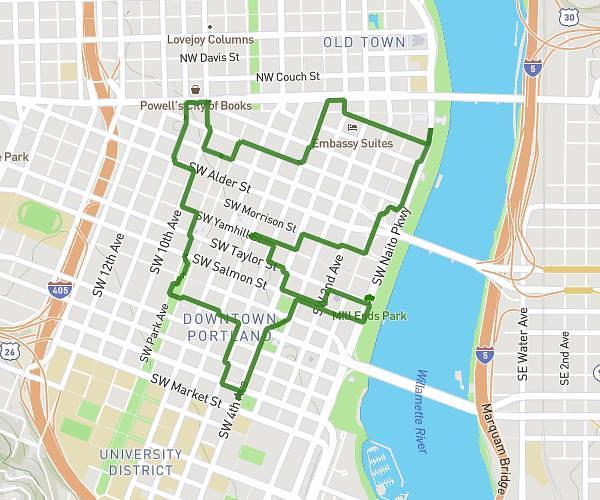
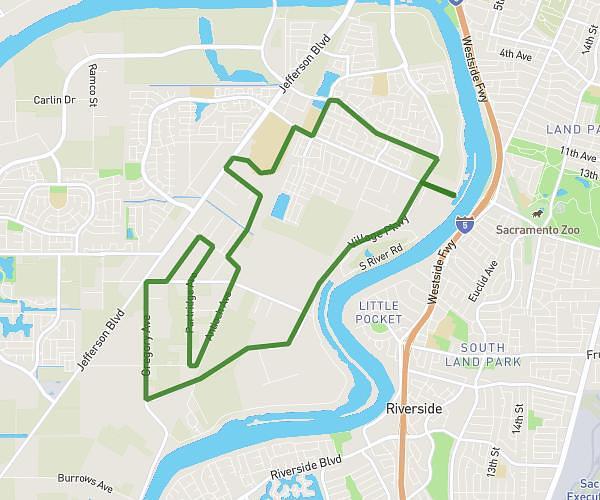
On the MapPlanner website, you can easily export and import routes in the most widely used GPS formats. This makes it simple to use your routes across devices such as GPS watches, handheld hiking GPS units, or mobile apps.
MapPlanner supports several standard formats:
-
GPX
-
KML
-
FIT
-
TCX
With this compatibility, you can plan a route in MapPlanner and then use it on your GPS watch or navigation device without limitations.
Use Your Routes on Any Device
When you plan a hike, trail run, or bike ride, it’s often helpful to take the route with you on a GPS device.
With MapPlanner, you can export your route in multiple formats compatible with most outdoor devices and apps.
For example, you can:
-
follow a route on a GPS watch
-
use a route on a handheld hiking GPS
-
import a route into a mobile sports app
This compatibility makes it easier to use your routes across all your outdoor gear.
Plan your own route
MapPlanner helps you calculate distances, elevation, duration and plan your hikes, runs and bike rides on an interactive map.
- Automatic distance & elevation calculation
- Topographic, satellite maps
- GPX/KML export for your GPS
- Real-time GPS tracking
Export a Route in GPX Format
GPX is the most commonly used GPS format for outdoor activities.
It is compatible with most devices and smartwatches, including:
-
Garmin
-
Suunto
-
Polar
-
Huawei
-
Amazfit
-
Samsung
From MapPlanner, you can quickly export your route as a GPX file. Once downloaded, it can be imported directly into your watch or GPS device.
You can then follow the route during your outing—whether you’re hiking, trail running, or cycling.
Import GPX, KML, FIT, or TCX Files
MapPlanner also allows you to import routes from other devices or services.
If you already have recorded GPS tracks, you can upload them easily to the platform.
Supported formats include:
-
GPX
-
KML
-
FIT
-
TCX
These files can come from:
-
a GPS watch
-
a handheld hiking GPS
-
a sports tracking app
-
a downloaded file
Once imported into MapPlanner, the route appears directly on the map.
Analyse Your Activity Data
When you import a GPS track from a smartwatch, additional data may also be available.
For example, if your device records heart rate, MapPlanner can display a chart of your heart rate during the activity.
This allows you to analyse your outing in more detail and review your effort across the entire route.
Keep All Your Outdoor Routes in One Place
Importing and exporting GPS files makes it easy to centralise all your routes in one tool.
For example, you can:
-
import past activities recorded on a GPS watch
-
edit or analyse those routes on the map
-
export a route planned in MapPlanner
-
follow that route on your device during your outing
This flexibility turns MapPlanner into a real hub for managing your outdoor activities.
Import or Export Your GPS Tracks with MapPlanner
If you want to use routes on a GPS watch or import existing tracks, you can use the import and export features in MapPlanner.
The platform allows you to:
-
draw a route on the map
-
import GPX, KML, FIT, or TCX files
-
export routes for use on your devices
-
analyse your activity data
Access the planner:
https://www.map-planner.com/planner
With MapPlanner, you can plan, store, and use your outdoor routes across all your devices.