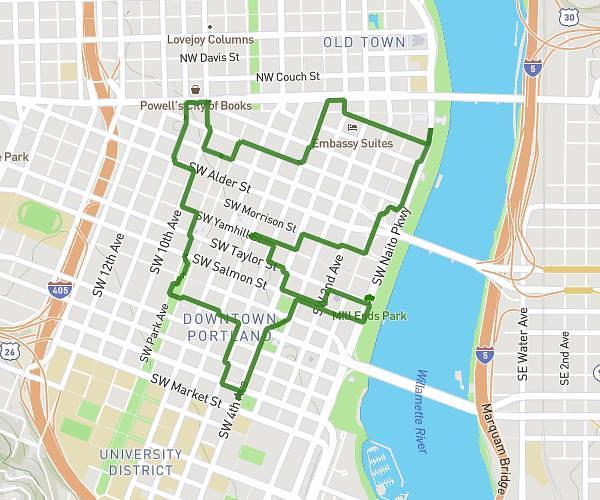
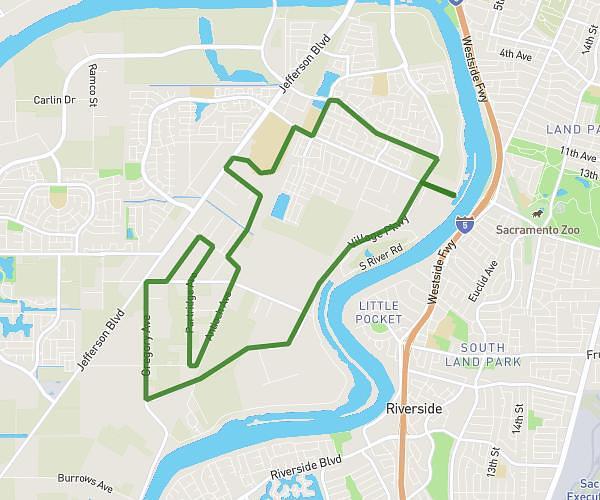
On the MapPlanner website, you can easily display the elevation profile of your route to better understand the terrain. This feature shows climbs, descents, and total elevation gain as a curve.
An elevation profile is an essential planning tool for hiking, trail running, or cycling, because it lets you quickly assess route difficulty before you go.
With this view, you can anticipate the most demanding sections and organise your outing more effectively.
Understand the Terrain of Your Route
When you create a route in MapPlanner, you can display an elevation graph that shows how the terrain changes throughout the route.
This curve clearly highlights:
-
climbs
-
descents
-
flatter sections
-
the highest points and peaks
At a glance, you can see how effort is spread across the route.
It also helps you anticipate tougher sections or long uphill stretches.
Plan your own route
MapPlanner helps you calculate distances, elevation, duration and plan your hikes, runs and bike rides on an interactive map.
- Automatic distance & elevation calculation
- Topographic, satellite maps
- GPX/KML export for your GPS
- Real-time GPS tracking
Estimate the Difficulty of a Hike or Trail Run
Distance alone isn’t enough to measure how hard a route will feel. Elevation gain plays a major role in the effort required.
For example:
-
a 10 km route on flat terrain can be manageable for most people
-
a 10 km route with lots of elevation can feel significantly more challenging
With MapPlanner’s elevation profile, you can estimate the difficulty of a hike, trail run, or bike ride more easily.
This visualisation helps you spot:
-
long, steady climbs
-
very steep climbs
-
major descents
You can adapt the route to your level and the time you have available.
Identify Peaks and Maximum Elevation
The elevation profile also makes it easy to identify the highest points on the route.
For example, you can:
-
spot a summit along your route
-
see the maximum altitude reached
-
understand the sequence of climbs and descents
This is particularly useful in mountainous areas or regions with significant elevation changes.
It helps you visualise what the terrain will really look like.
A Useful Tool for Planning Outdoor Activities
Viewing an elevation profile is an important step when planning an outing.
It helps you:
-
analyse total elevation gain
-
assess hike difficulty
-
prepare a trail training session
-
compare multiple routes
This analysis helps you avoid routes that are too demanding and choose an itinerary that fits your level.
Analyse Elevation Gain with MapPlanner
If you want to visualise climbs and descents, you can use the elevation profile feature in MapPlanner.
The platform allows you to:
-
draw a route on the map
-
display the elevation profile
-
view climbs and descents
-
estimate route difficulty
Access the planner:
https://www.map-planner.com/planner
With MapPlanner, you can better understand terrain and plan your outdoor routes with more precision.