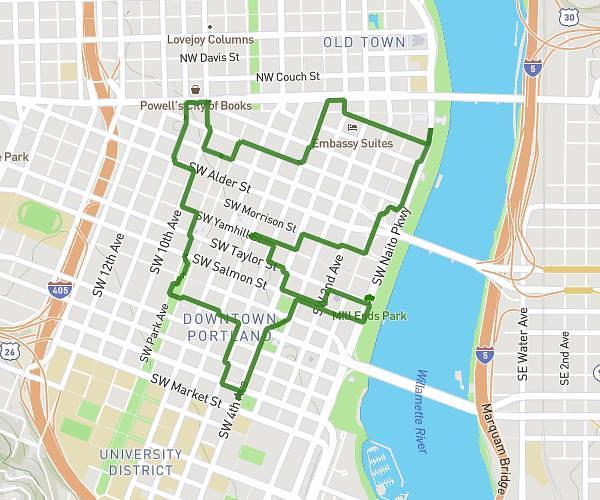
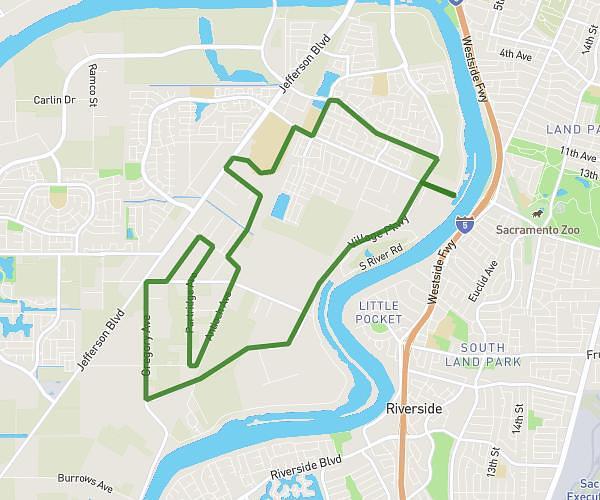
On the MapPlanner website, you can enrich your routes by adding points of interest directly on the map. This feature helps you save important places, add notes, and attach geotagged photos to your route.
Whether you’re planning a hike, a trail run, or a bike ride, adding points of interest helps you organise your route and remember key places you discovered on the ground.
It’s also a great way to document your routes and quickly find certain spots during future outings.
Why Add Points of Interest to a Route?
During an outdoor outing, it’s common to want to note key places such as:
-
a scenic viewpoint
-
a spring or water source
-
a shelter or mountain hut
-
a technical section
-
a good place to take a break
Adding this information directly on the map helps you plan better and keep useful reference points for later.
With MapPlanner, these points appear directly on your route, making the map more informative and easier to use.
Plan your own route
MapPlanner helps you calculate distances, elevation, duration and plan your hikes, runs and bike rides on an interactive map.
- Automatic distance & elevation calculation
- Topographic, satellite maps
- GPX/KML export for your GPS
- Real-time GPS tracking
Add a Point of Interest on the Map
Creating a point of interest is very simple.
When you prepare a route in MapPlanner, you can select a location on the map and add a point of interest at that exact spot.
You can then add extra details such as:
-
a title or name
-
a description or note
-
attached photos
This information stays linked to your route and appears directly on the map.
It’s a practical way to keep track of important places along your route.
Add Geotagged Photos
MapPlanner also lets you add geotagged photos.
If your photos include location data (GPS coordinates), they can be placed automatically on the map in the correct location.
This makes it easy to find:
-
a photographed viewpoint
-
a memorable spot from your hike
-
an interesting section along the route
Your photos become visual markers integrated directly into your map.
Document Your Hikes and Outdoor Adventures
This feature is especially useful for keeping a record of your outings.
For example, you can:
-
save a viewpoint discovered during a hike
-
note a technical section on a trail route
-
mark a great break spot
-
keep memories through photos
Over time, your map becomes a real journal of your outdoor adventures.
Plan and Share More Complete Routes
Adding points of interest also makes your routes more complete and easier to understand.
If you share a route with other people, your points can help them understand:
-
spots not to miss
-
important sections of the route
-
good places to take a break
The map becomes more useful and more informative for planning.
Add Points of Interest in MapPlanner
If you want to enrich your routes with key places, notes, or photos, you can use this feature directly in the MapPlanner planner.
It allows you to:
-
create a route on the map
-
add custom points of interest
-
attach geotagged photos to your route
Access the planner:
https://www.map-planner.com/planner
This feature turns a simple map into a complete tool for planning, documenting, and reliving your outdoor outings.